
When a new question matching your area of expertise needs to be verified, you will receive an email from LawY notifying you that there is a question for you to review.
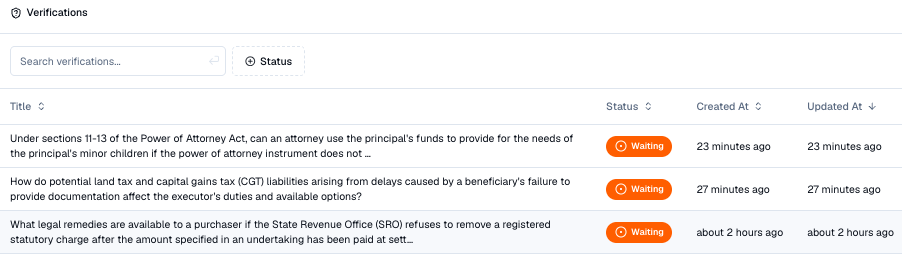
1. Navigate to LawY Verify on the bottom left-hand side of your LawY Research Window. (See screenshot above). Tasks that are available for you to verify appear with a “Waiting Status”.
2. View the details of the question. You will see the region, matter type and question.
3. If appropriate, click 'Assign to myself'. If you want to answer the question, and have the immediate capacity to do so, scroll down to the bottom of the screen and assign it to yourself.
4. Complete verification. Please proceed to answer the question promptly once you have assigned it to yourself.